14📝
Quotations — price offers
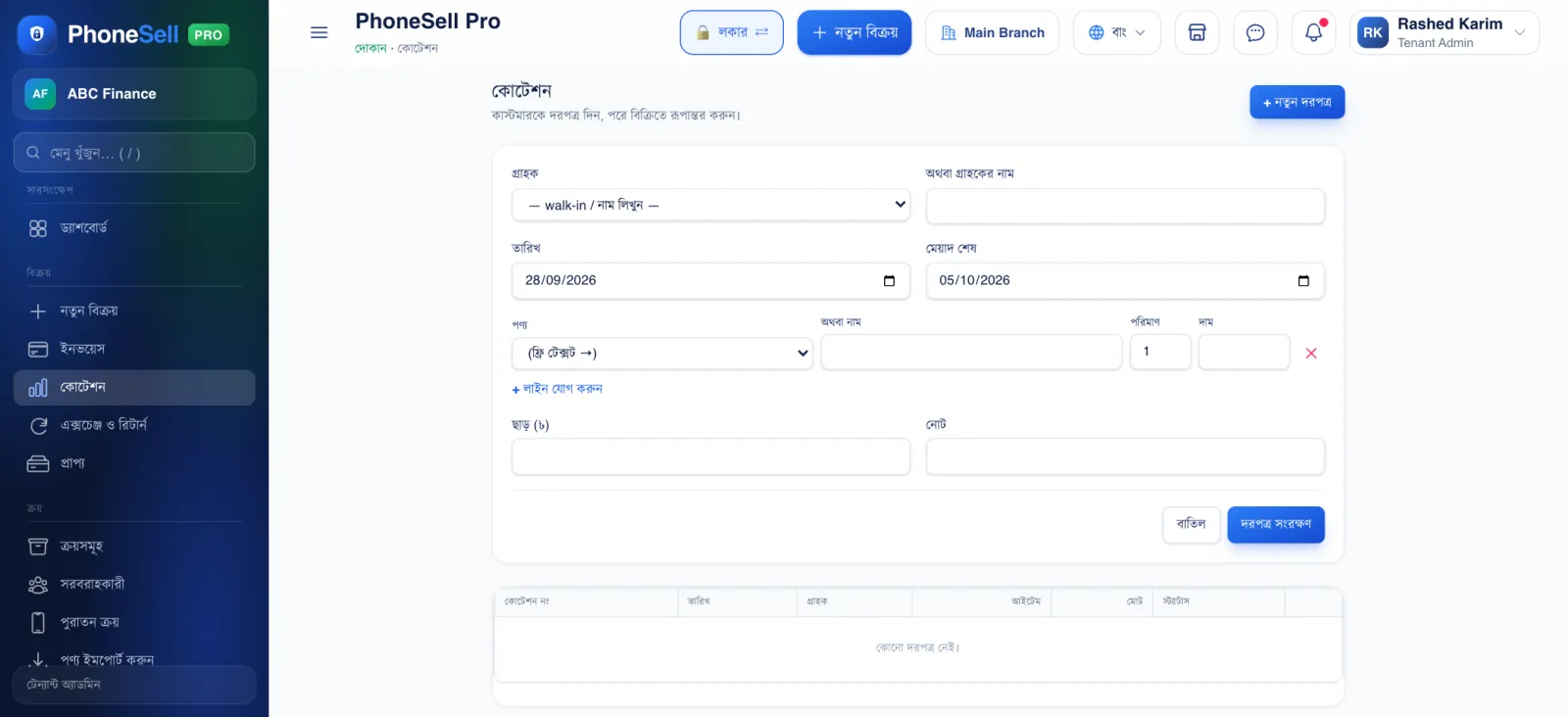
When an office or organisation wants several phones at once, they first ask for a price offer. A quotation doesn't reduce stock and doesn't touch your accounts — it's only an offer.
📍 Where to find it: Left menu: Sales → Quotations.
📷 Screenshots show the panel in Bangla — switch the panel to English and the same buttons appear in English.
 12345
12345🔍 Tap the picture to enlarge
- 1Customer. Pick from the list, or type a name beside it.
- 2Valid Until. How long this price stands.
- 3Product, quantity and price. You can also type in items that aren't in the list.
- 4Add line. To add more products.
- 5Save Quotation. Then print it or send it as a PDF. If the customer agrees, tap “Convert to sale” in the list.