19📈
Reports — profit and loss and every account
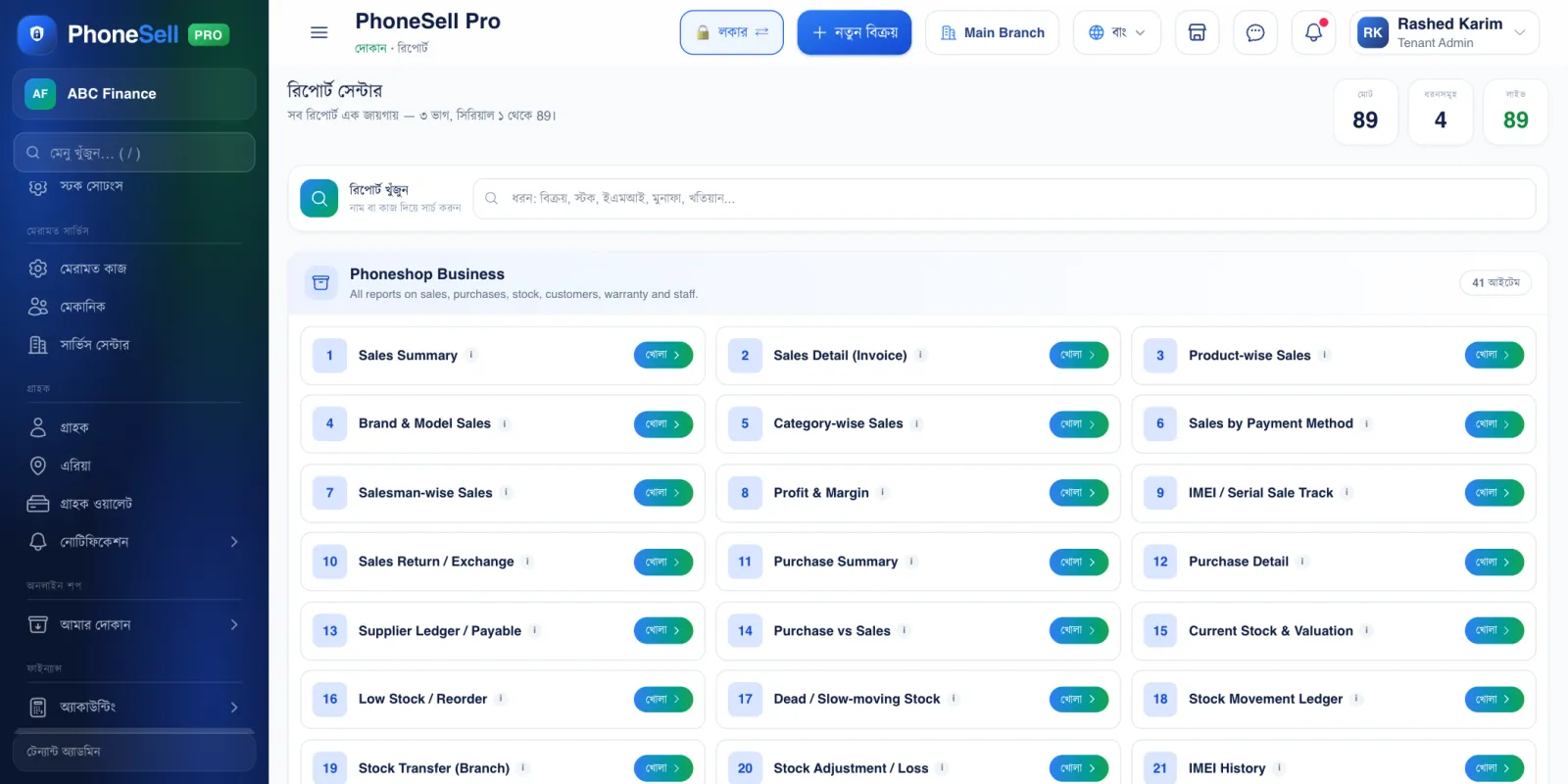
All reports are numbered. Type “profit”, “IMEI” or “stock” in the search at the top and the report you need comes up.
In every report you can pick the dates, and print it or download it to Excel.
📍 Where to find it: Left menu: Finance → Reports.
📷 Screenshots show the panel in Bangla — switch the panel to English and the same buttons appear in English.
 1234
1234🔍 Tap the picture to enlarge
- 1Search reports. Type a name or what you want to see — typing in Bangla works too.
- 2Sales Summary. Total sales, discounts, payments and dues for a chosen period.
- 3Profit & Margin. How much profit each product made.
- 4Current Stock & Valuation. What's in the shop right now, and what it's worth.
💡 Good to know
- To see the profit and loss of the whole business (including expenses), open Accounting → Income (P&L).