4🗂️
Categories & Brands — keeping products organised
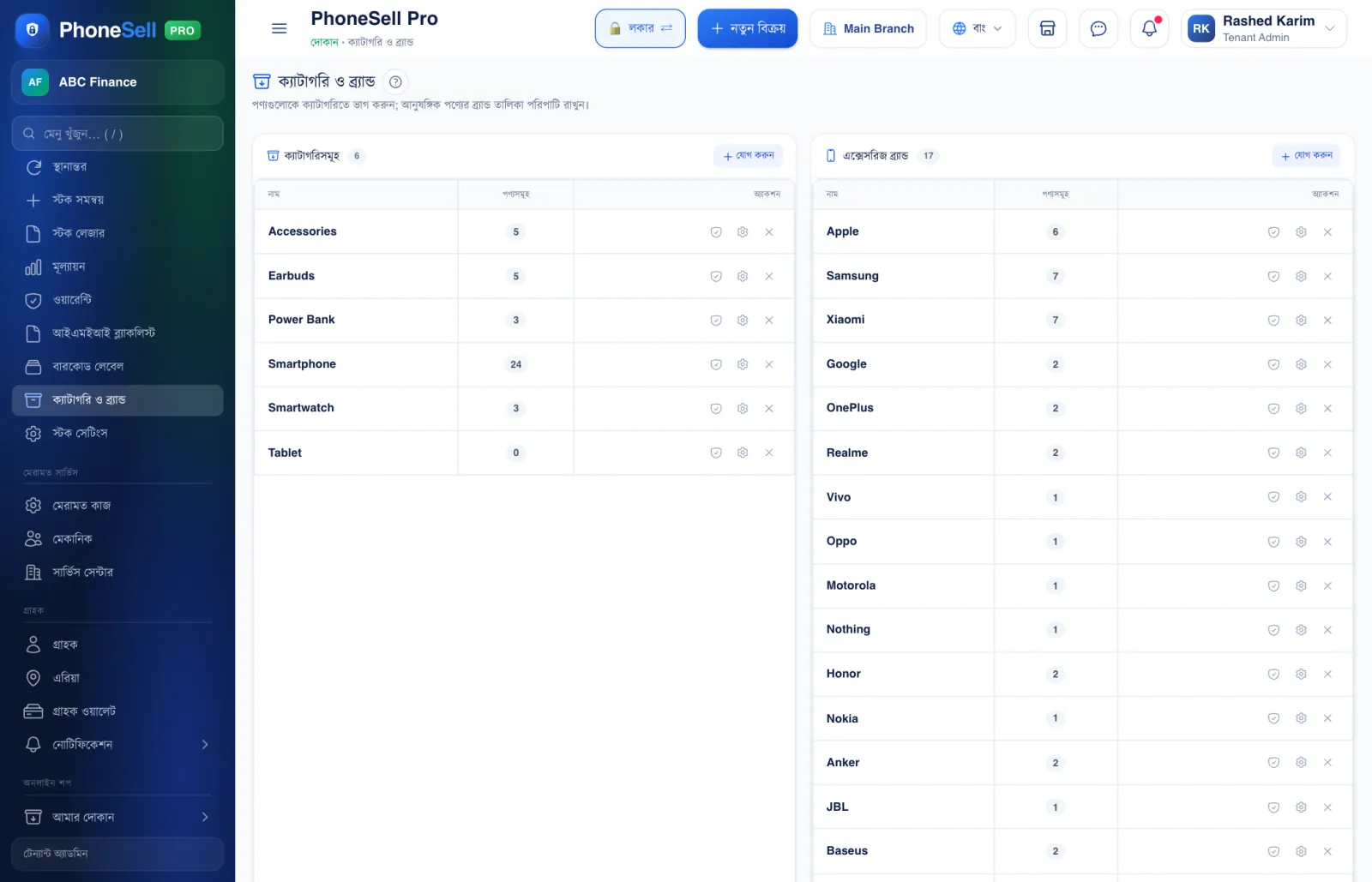
A category is a group of products — for example smartphones, earbuds, power banks. Reports can then show how much you sell and earn from each group.
Phone brands are already provided; add accessory brands (Anker, Baseus and so on) here.
📍 Where to find it: Left menu: Stock → Categories & Brands.
📷 Screenshots show the panel in Bangla — switch the panel to English and the same buttons appear in English.
 123
123🔍 Tap the picture to enlarge
- 1Categories. The number beside each one is how many products are in that group.
- 2Add. Type the name of a new category and save it — for example “Covers & Glass”.
- 3Accessory Brands. Add brands of chargers, cables and earbuds here.
💡 Good to know
- Don't delete a category that still has products — move those products to another category first.