21🌐
Online Shop — your own website
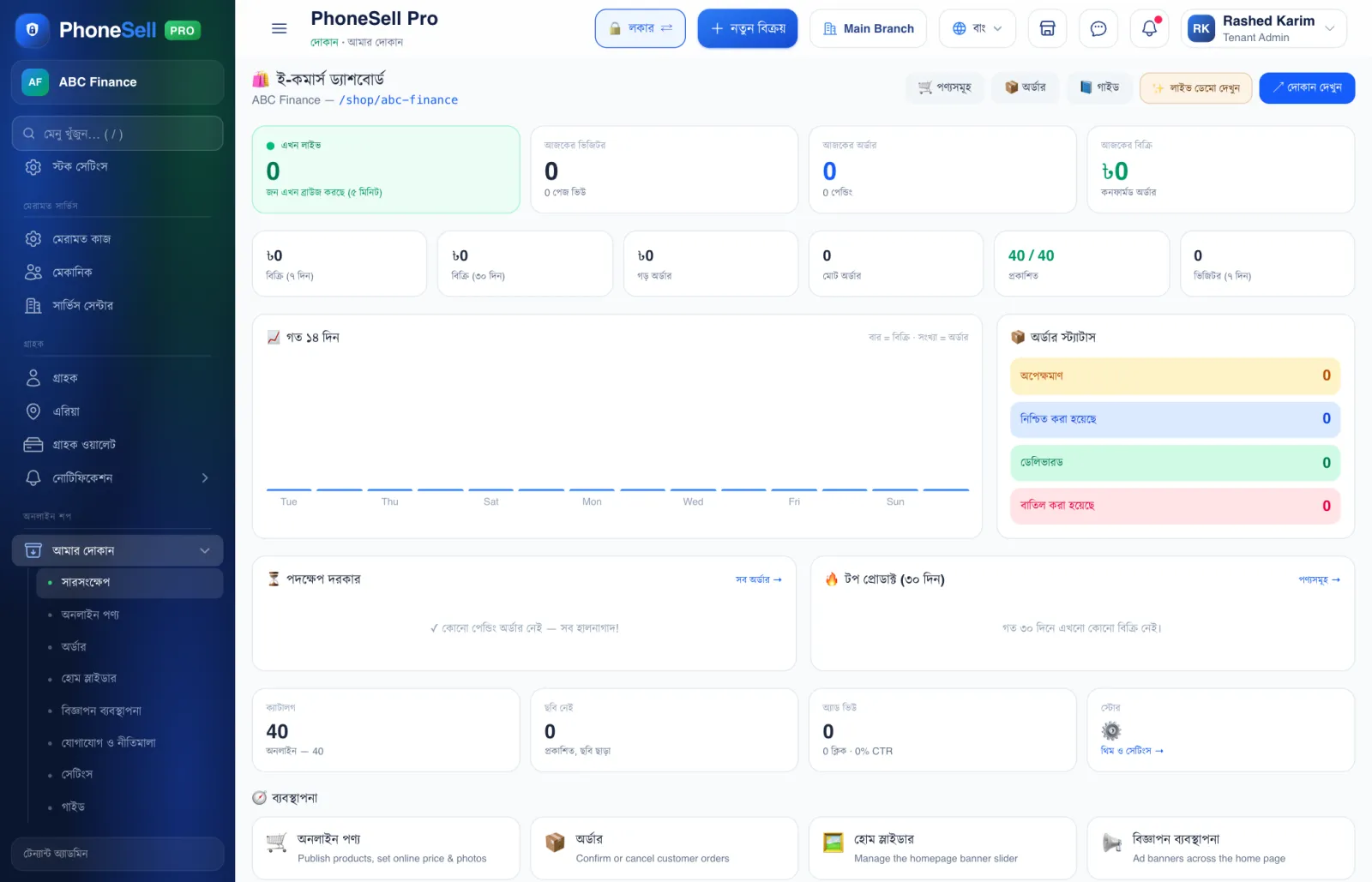
Your shop gets its own website where customers can browse products and place orders. Products and stock come straight from your shop software — no need to add them separately.
Orders show up here; when you confirm one, stock goes down just like a sale.
📍 Where to find it: Left menu: Online Shop → My Shop.
📷 Screenshots show the panel in Bangla — switch the panel to English and the same buttons appear in English.
 1234
1234🔍 Tap the picture to enlarge
- 1Visit shop. See your website the way customers will.
- 2Today's visitors, orders and sales.
- 3Order status. Confirm pending orders quickly.
- 4Manage. Which products show online, online prices and photos, the home page slider, contact details and theme.
💡 Good to know
- For the detailed rules, open the 📘 Guide inside the Online Shop.