“If you don't pay the installment, the phone locks” — many people have heard this. But how does it actually work? Let's explain it in simple words.
A controlling app is installed on the phone
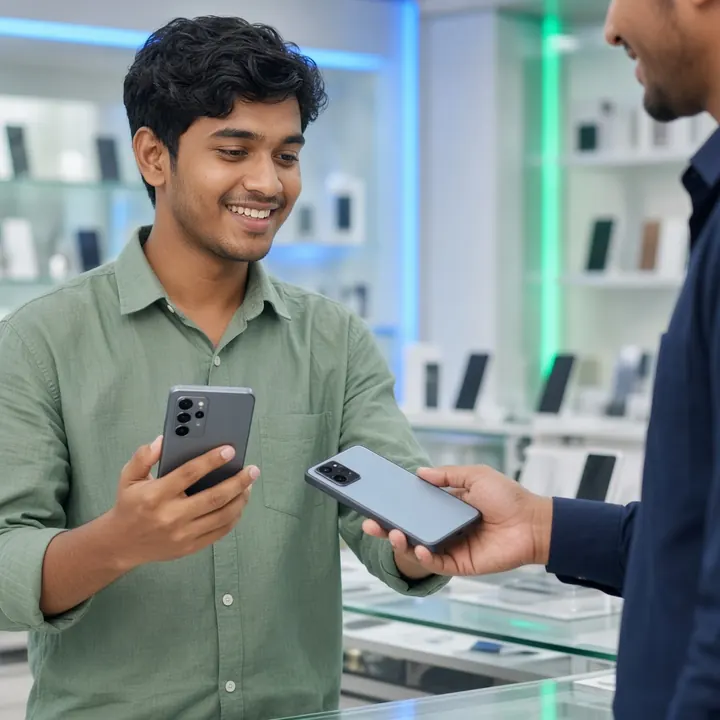
When the phone is sold, a QR code is scanned the moment it is first switched on. This installs a special app on the phone that Android itself treats as the “owner of the device” (Device Owner). It has more power than a normal app — for example, it can lock the phone or keep reset turned off.
The installment schedule is on the phone too
The installment dates are also stored inside the phone. So even without internet, the phone knows when an installment will be overdue, and it locks itself once the time has passed.
Unlocks when the money is paid
When the customer pays an installment through bKash/Nagad or at the shop, the system sends an unlock command to the phone. It unlocks as soon as the phone comes online. In an emergency, the shop can also unlock it with a code.
Why the customer can't easily get around it
- The ways to remove or turn off the app from Settings are blocked.
- The factory reset option is turned off; if anyone tries, the shop gets an alert.
- It locks even if the internet is kept off.
One important tip
To stop a reset from recovery mode (power + volume buttons), keep the phone's FRP on with one of the shop's Gmail accounts at the time of sale. Then even after a reset, the phone won't start without the shop's Gmail.
Read more: What FRP lock is and why it's a must · Steps to set up a phone with QR · Device Locker feature